

Web Content Accessibility Guidelines
There is an internationally accepted standard that we are monitored against called the Web Content Accessibility Guidelines (WCAG). There are 13 comprehensive guidelines and 17 success criteria to satisfy.
We are specifically required to meet the rating 'WCAG 2.1 AA'.
- The ‘2.1’ means it was latest version of the guidance published in 2018.
- The 'A’ stands for the level of accessibility, AA is an excellent balance between access and an interactive user experience.
We are allowed exemptions in the criteria. This tends be videos and documents, dated before 2018 where updating is a seen as a disproportional burden.
The basic requirements
A website must be able to:
- Change colours, contrast levels, and fonts.
- Zoom in up to 300% with text staying visible on the screen, and most images scaling without resolution loss.
- Navigate most of the website using a keyboard.
- Navigate most of the website using speech recognition software.
- Read most of the website using a screen reader, including the latest versions of JAWS, NVDA, and VoiceOver.
- Read most of the website on devices without a screen, like a braille computer.
We must also have an accessibility statement on the platform using a government template that explains our compliance.
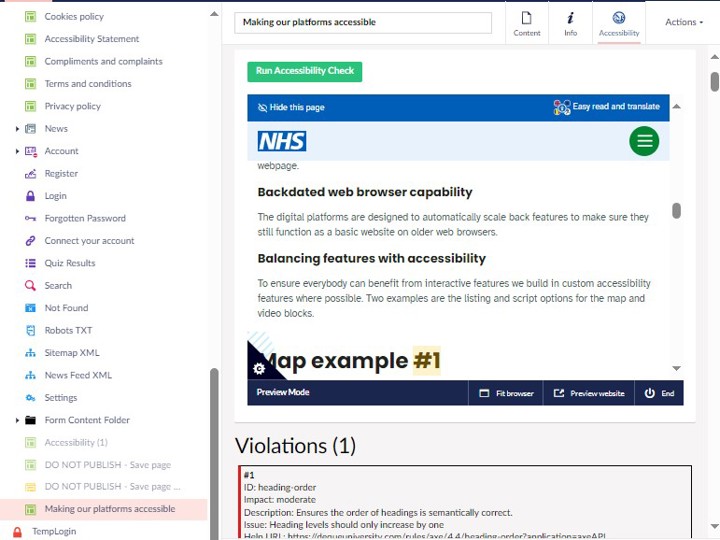
How we manage accessibility
What else we do
Content
Content is designed based on the NHS style guide, the GOV.UK service manual and co-production. The target reading age is 9 years old.
Design Choices
Colours are chosen from an accessible palette, the tone of the colours is also selected to be subtle. Use of design elements is always to enhance but not overload visually. The body font you are reading now is ‘Atkinsons Hyperlegible’. This font was designed with the Braille institute and is widely regarded as one the most accessible and tested fonts.
Phasing out PDFs and leaflet
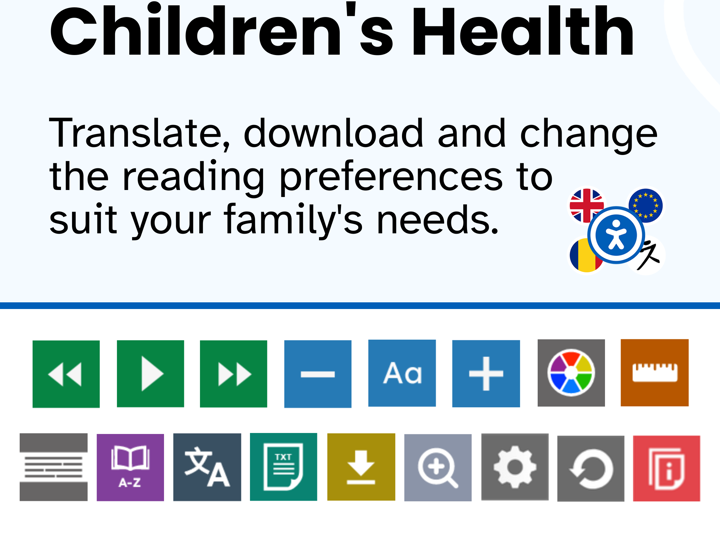
We are encouraging services to convert all information into webpages to increase accessibility and quality assurance. All pages on the platforms can be downloaded, printed with the desired reading preference using recite me. A lot of time was spent developing the pagination engine to ensure webpages would print and download well. try it now on this webpage.
Backdated web browser capability
The digital platforms are designed to automatically scale back features to make sure they still function as a basic website on older web browsers.
Balancing features with accessibility
To ensure everybody can benefit from interactive features we build in custom accessibility features where possible. Two examples are the listing and script options for the map and video blocks.
Welcoming all feedback - it's an opportunity
Improving accessibility is an ongoing process, that we are really keen to constantly improve on. All feedback is welcome, we encourage direct communication to get to solutions and improvements quicker.